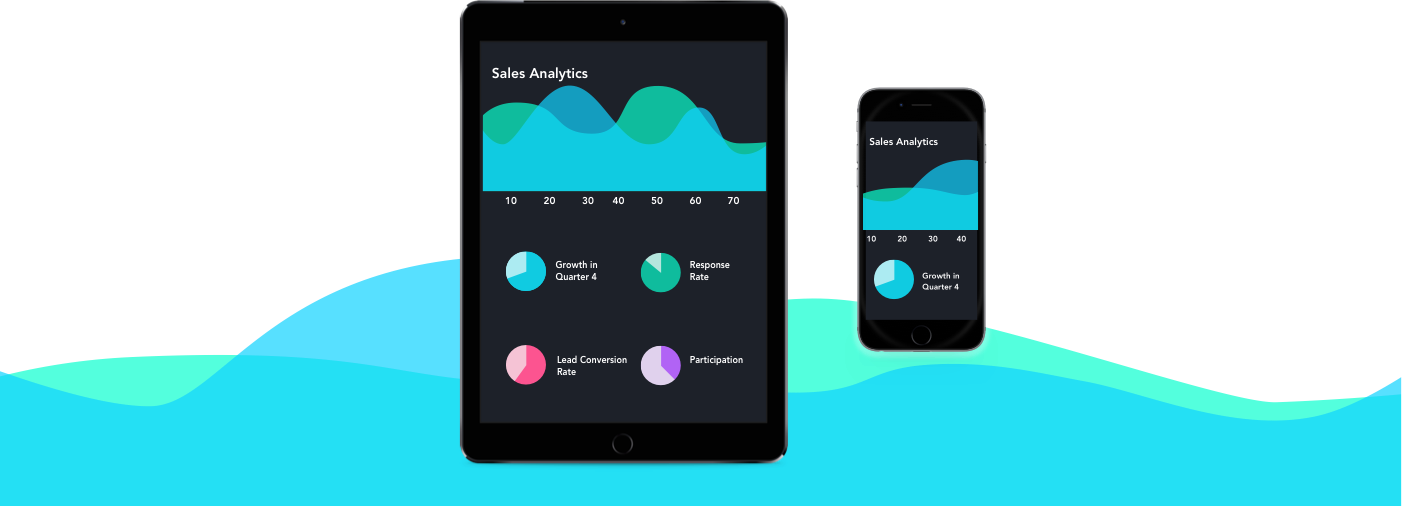
Mobile Cloud Experience
Case Study: A mobile application that helps sales representative perform their daily tasks when on the go
Project Details
From 2016, we designed and shipped the mobile versions of Sales Cloud. With mobile versions, Sales Representatives / Sales Managers can manage and access sales data from anywhere anytime; They can complete tasks in a more efficient way. We designed Smart Phone app and Tablet app for both iOS and Android versions, which are designed with the principles of simplicity, mobility and extensibility. The app supports over 20 languages, and it is fully customizable.
User Persona : Sales Representative
Sales Representative is Sales Cloud’s target user. As a Sales Representative, everyday you may have 5 meetings to attend and you should be on top of all the meeting contents, "so you are always traveling", you have "20 potential customers on your list" and you should try your best to motivate your customers to start the business; your manager sets specific task everyday for you to finish, you need to complete them before your deadline; let alone the "big Quota" number that you should always check and make sure that is under your control.
“Now, how can Sales Cloud make the Sales Rep’s life better?”
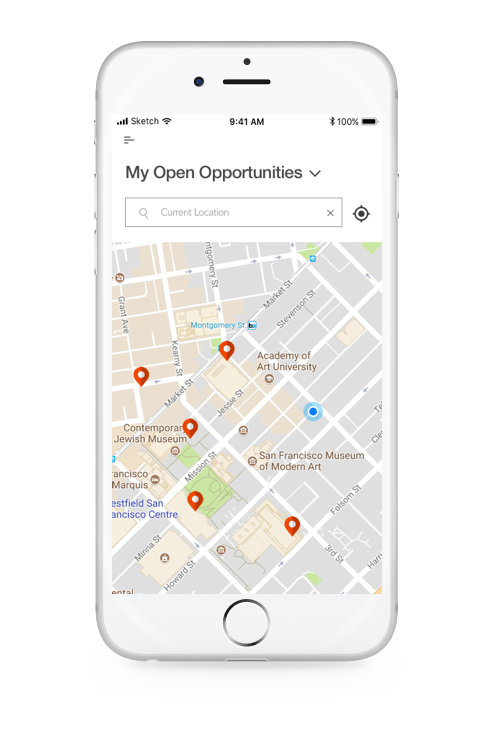
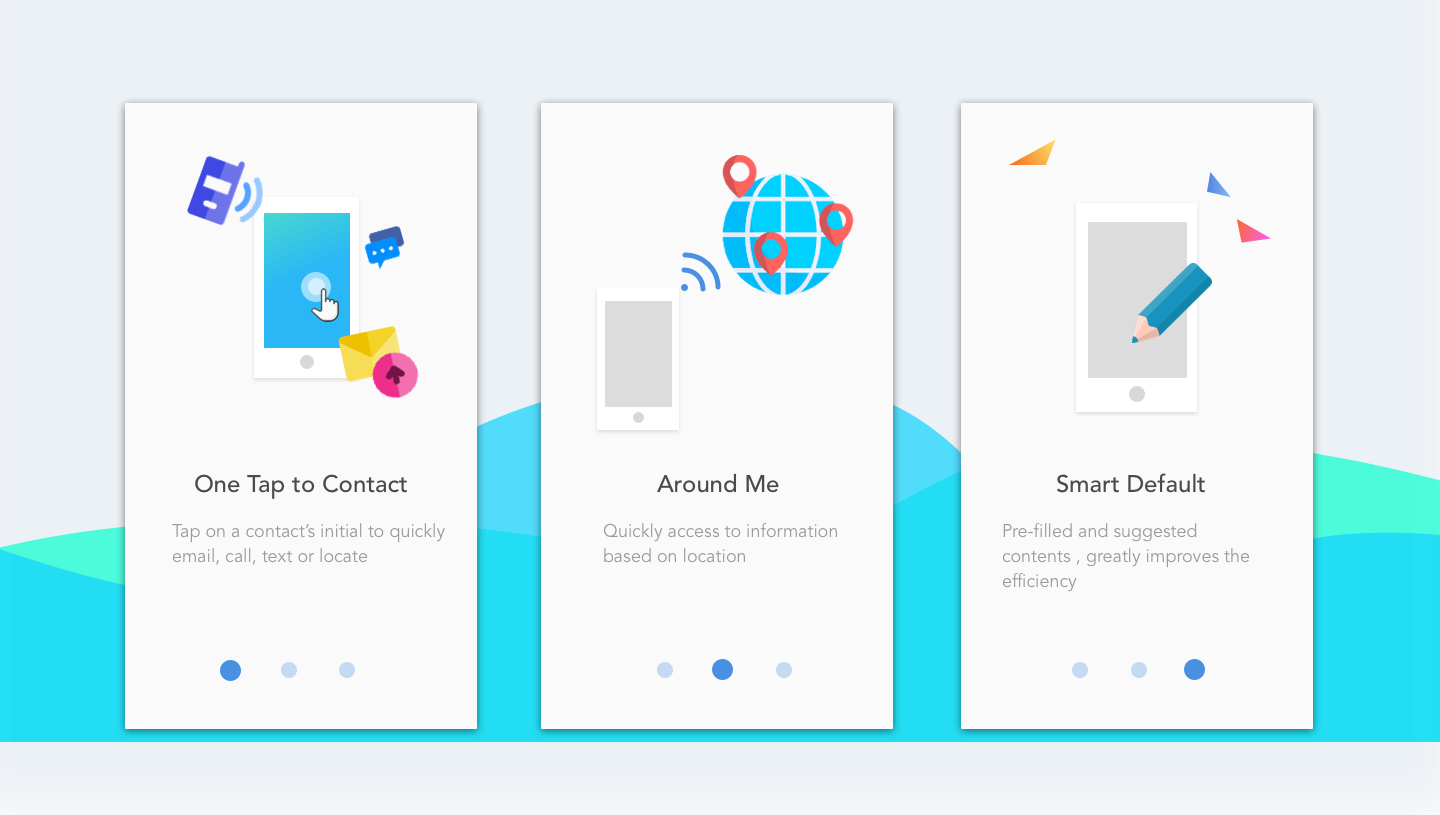
Provide location-based features
Get nearby objects Info
Tap on the map to view object’s detail
Plan trip more effectivel
View nearby accounts, opportunities and contacts on the map to plan trip
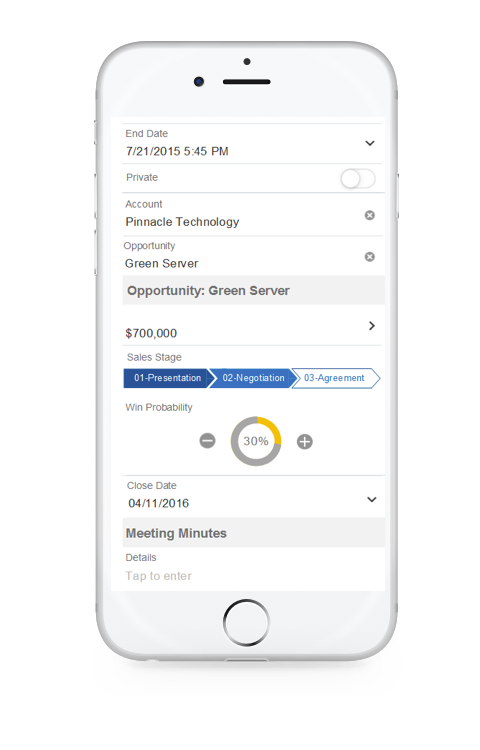
Smart Defaults for the form Inputs
Auto pop up suggestions based on user’s activity
The suggested contents will show to user based on his / her recent activity
Pre-filled content
Generate the content based on the context, user doesn’t need to manually fill in the long form
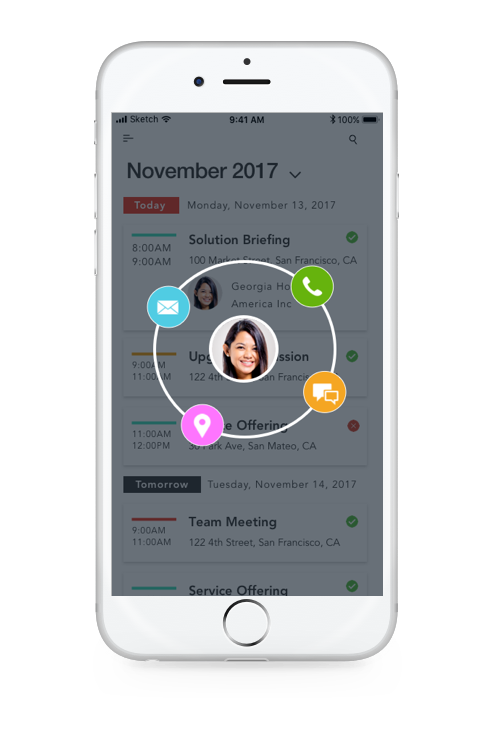
Get connected with contacts / customers conveniently
Avatar action wheel
Tapping on the avatar can activate the action wheel, and user can directly email, locate, call or text the contact
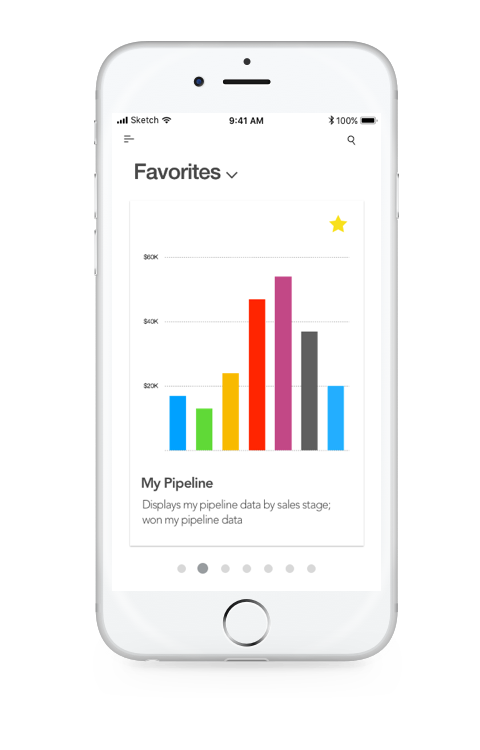
Access to all of the data and reports anywhere anytime
Mobile version supports the same function as the desktop version
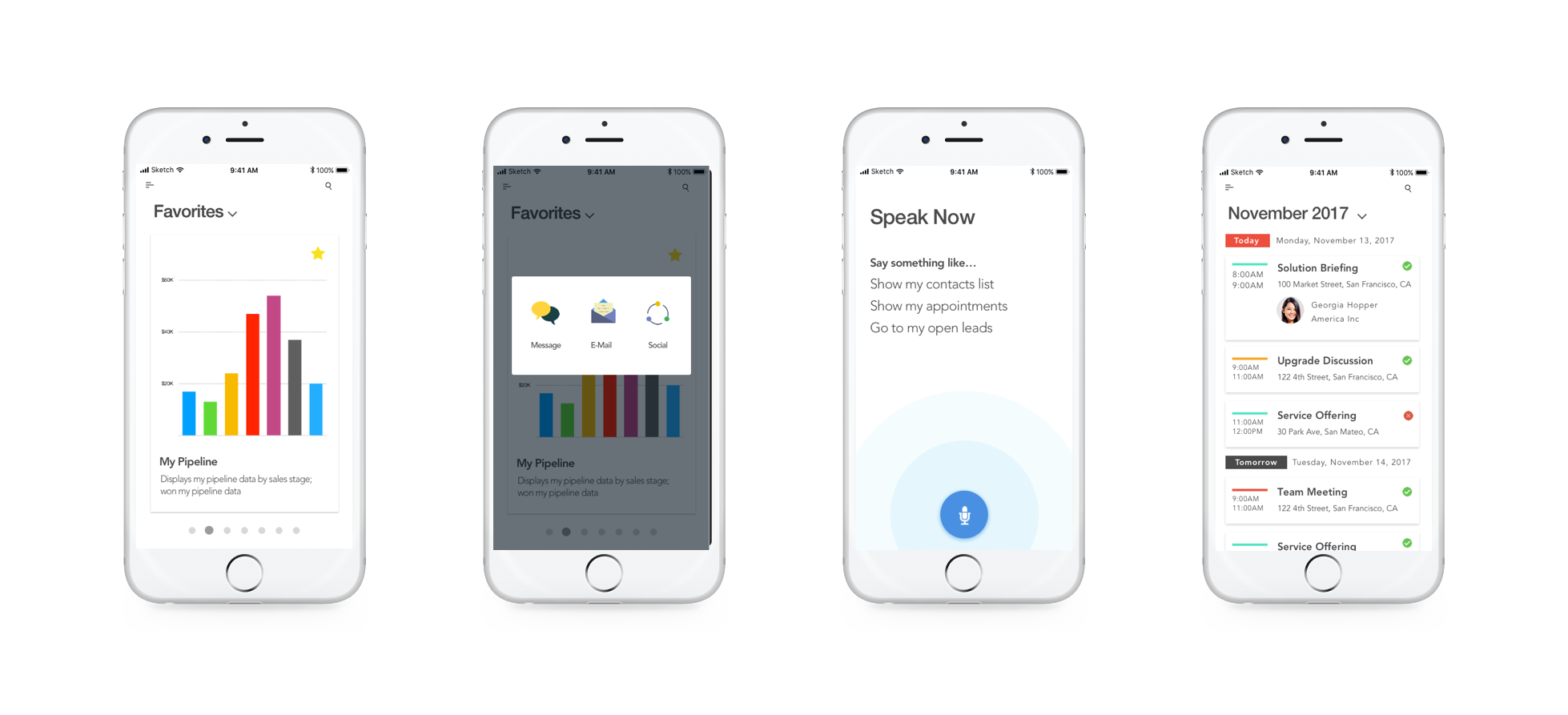
Mobile Sales Cloud Screens
“So, How did we get there?”
Step 1: Gather core needs from customer and the existing system
We collected the core needs from the customers and reorganized the pre-existing features with Product Manager, understanding the basic skeleton of our whole app. Since Sales Cloud is such a powerful and complex system – it has so many areas like Accounts, Opportunities, Leads, etc; it has very complex interaction systems, an object can be linked to different areas; it is powerful and supports Sales Representative’s complex daily job – we worked hard to define the app so that it is both powerful and simple. It should be still powerful that user can rely on to work on complex jobs and simple that user can quickly learn how to use it.
Step 2: Develop a central pattern that works across objects
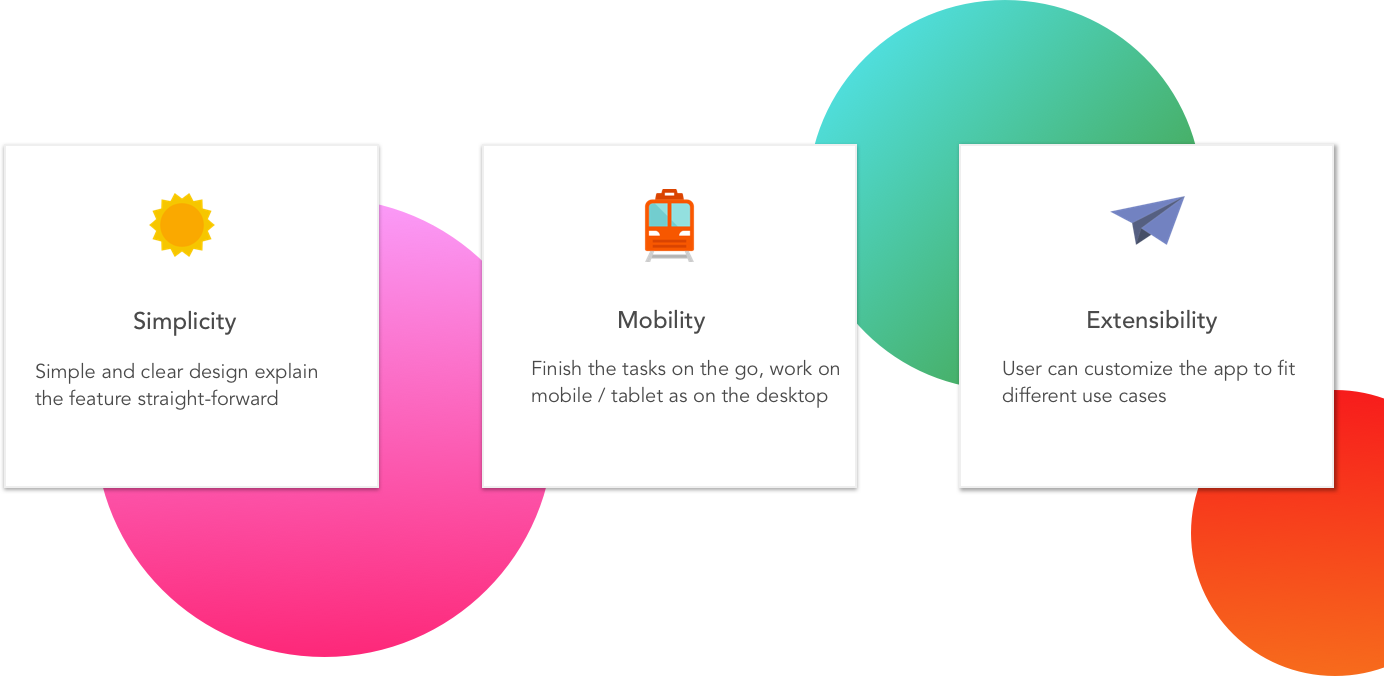
The key principles we use to define our products in Oracle are: "Simplicity, Mobility and Extensibility."
- By Simplicity, the interaction should be straight-forward and easy to use, also it should use a consistent pattern that helps user quickly adapt to the app.
- By Mobility, we should support user complete tasks just as they do on the desktop, so a pattern that can explain / support complex interaction is necessary.
- By Extensibility, we should let user customize the app, they can add / delete / change the app easily, and only a standard pattern can enable the customizable contents.
The key principles and the user needs all led us to create a central pattern to start the project.
We as UX team worked closely with Product Manager team and Developer team to start a central pattern that all the areas can uptake. We first defined different page types, like the landing page, the detail page, the create / edit page, etc, and the available features on each type of page. Take landing page as an example to explain this further, the landing page should always have shuttle button, so user can navigate to other pages anytime; search function can be available on a landing page, and we also defined the search function behavior: it should be instant search (the result should auto popup as user types), search result will be shown on a separate page from the landing page, the filter and sort should also be available on a landing page; landing page can support different views like list view, map view and report view determined by which area the landing page is used for.
Besides the page types, we also defined the components for central patterns. We defined all of the fields types and fields behavior in different states. We listed all of the available components so that both UX team and dev team can easily refer to, and make sure the component being used is consistent across areas.
We also grow and edit our pattern as we have more uptake areas, there are cases that we didn’t know when we first built the pattern, and as new use cases coming up, we updated our central pattern accordingly.
For my role particularly, I owned the design of several central patterns including picker, messaging and map. I worked closely with PM first to understand the use case of the central patterns and try to find a solution that works for all of the use cases, and I also iterate the work with developers to make sure the design would be feasible and achieve the best performance.
This Picker design example showed how we create the pattern, apply the pattern and revise the pattern, the pattern design is huge and complex work, but we have a guideline, and we are willing to make adjustment / overrides to make the pattern be really flexible and accurate.
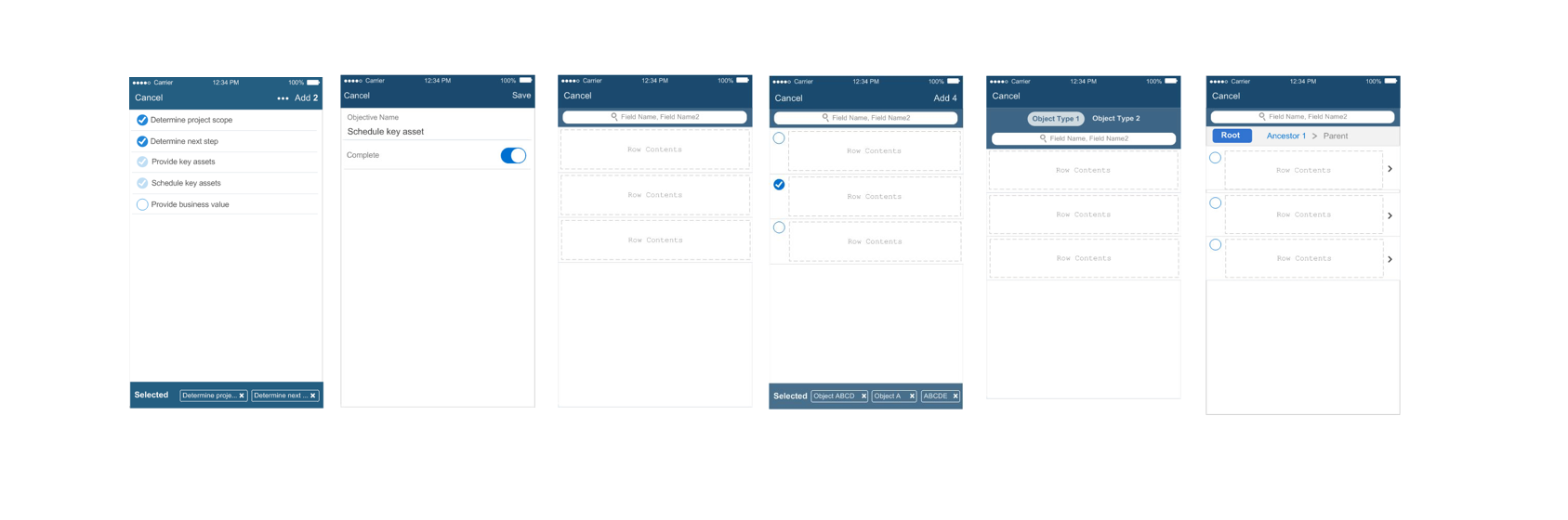
Example of picker pattern
Step 3: Uptake the pattern
We started the area design when the central pattern draft design is ready. For this process, each designer in UX team is responsible for one or multiple areas. First, the designer needs to understand the core feature needs to be supported; second, identify what is the most applicable pattern / components to be used; third, consider if there is any override or new pattern needed, if so, bring this up to the whole UX team and review; fourth, complete the design and review with UX team, PM team and dev team.
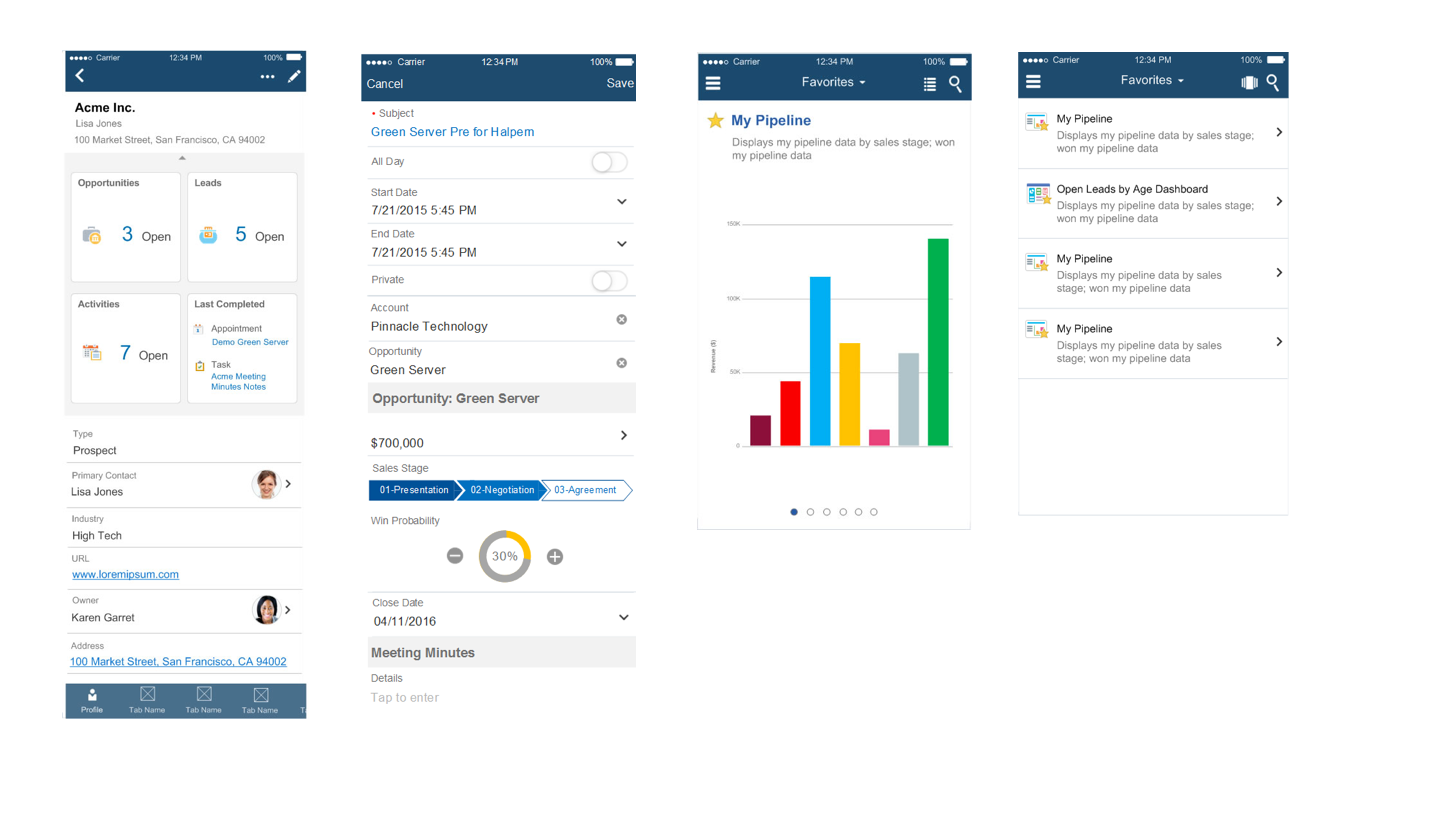
Patterns Uptaking
Step 4: Document UX specifications, review dev code
Once the design is reviewed by Product Manager, Developers and internal UX team, we will start document all of the design specifications for developers as reference. UX is also responsible of reviewing dev’s code and make sure the build matches the design.
Step 5: Usability testing and revise the design
During or after the design, we also conduct the usability testings on the new design to help us better understanding users’ behavior and how easy the pattern is to understand.
We rely on the testing heavily for a lot of design decisions before launching the product.
Note: though I list this as step 5, this can be before / in the same time / after step 4. We conduct the user research / testing on the early stage of the design, or before the coding, or after the coding to target next release.
Conclusion
1. Don’t expect to complete everything perfectly in one step . Creating a central pattern, it doesn’t need to be perfect for all of the use cases, the pattern should grow and revise with the actual cases.
2. Communicate with PMs and devs frequently and early.
Make sure you understand the needs and limitation before starting the design.
3. Remember your product’s key design principle. This will help you decide what can be sacrificed, and what should be insisted.
4. Find the balance between consistency and flexibility . When there is a conflict, explore the design options and make the most reasonable decision. For a complex project, the consistency normally should take the priority.
5. Make different focus for different deisgn options , list out the pros and cons and discuss with PM to choose the best option.
6. Rely on team mates for ideas and feedbacks. Share the design within UX team frequently can help everyone understand the patterns and getting feedback from different up-taking experience.
7. Usability testing is necessary. You never where will confuse the user before you saw how they interact with your design.
8. Enterprise Application is complex and challenging, but I got the chance to try and practice the design principles better.